
Custom Game LauncherCreator Platform
Build a fully branded game launcher without writing a single line of code. Auto-patching, global CDN, real-time analytics — everything included.
What Is a Custom Game Launcher?
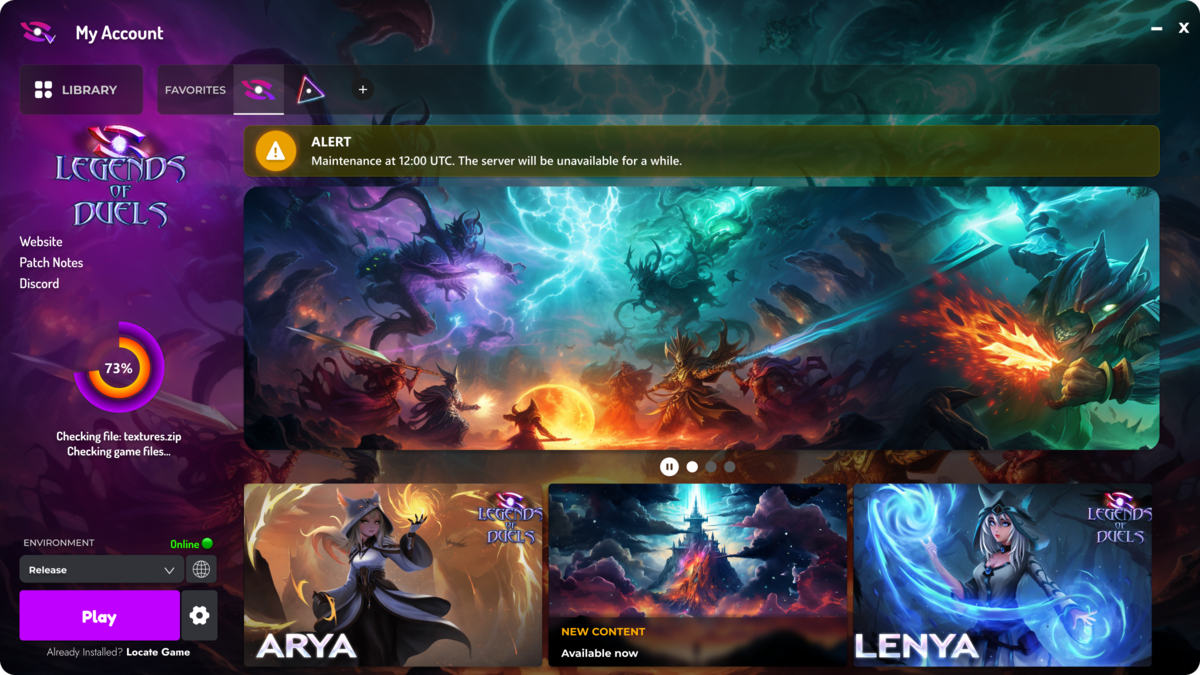
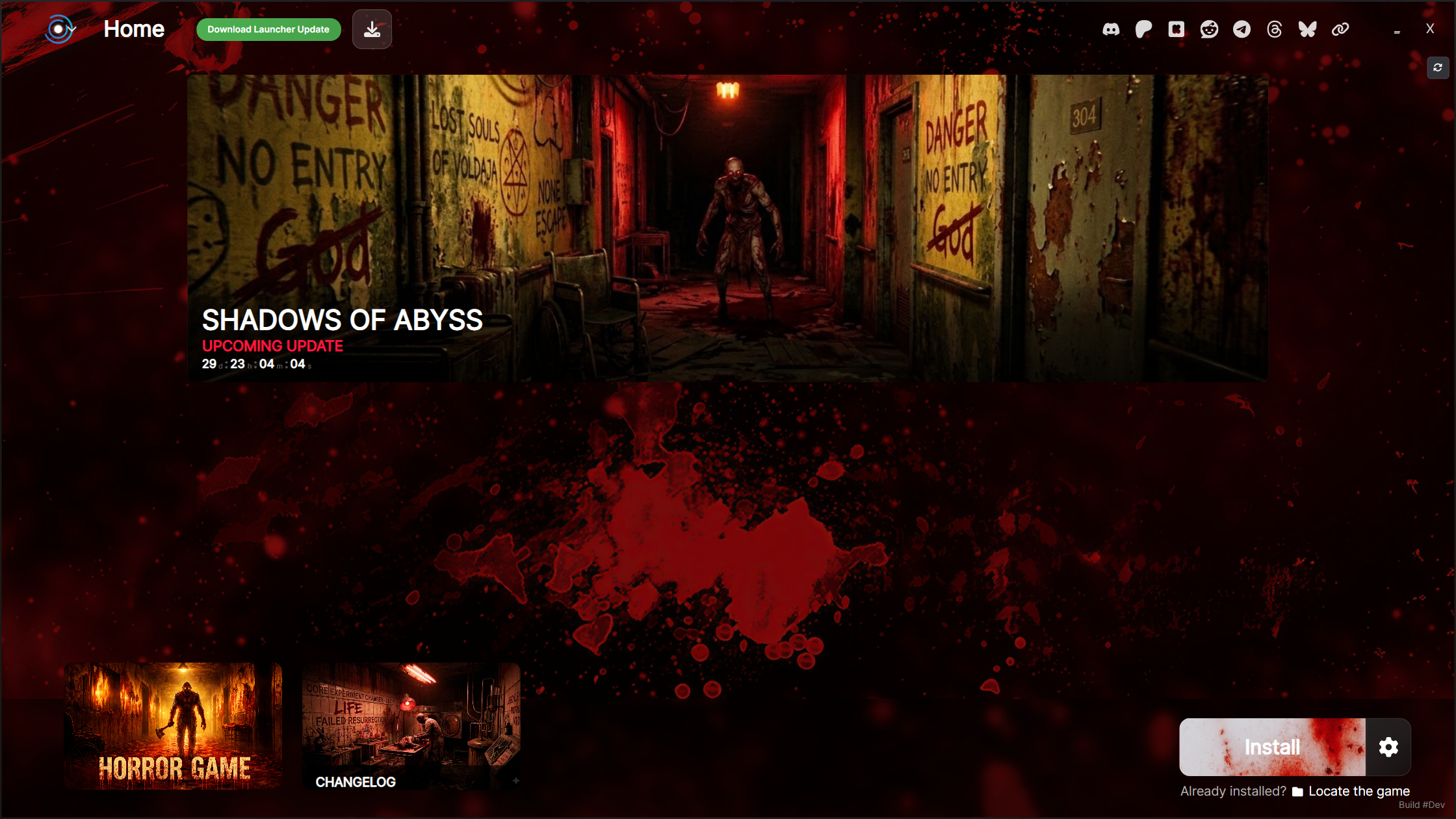
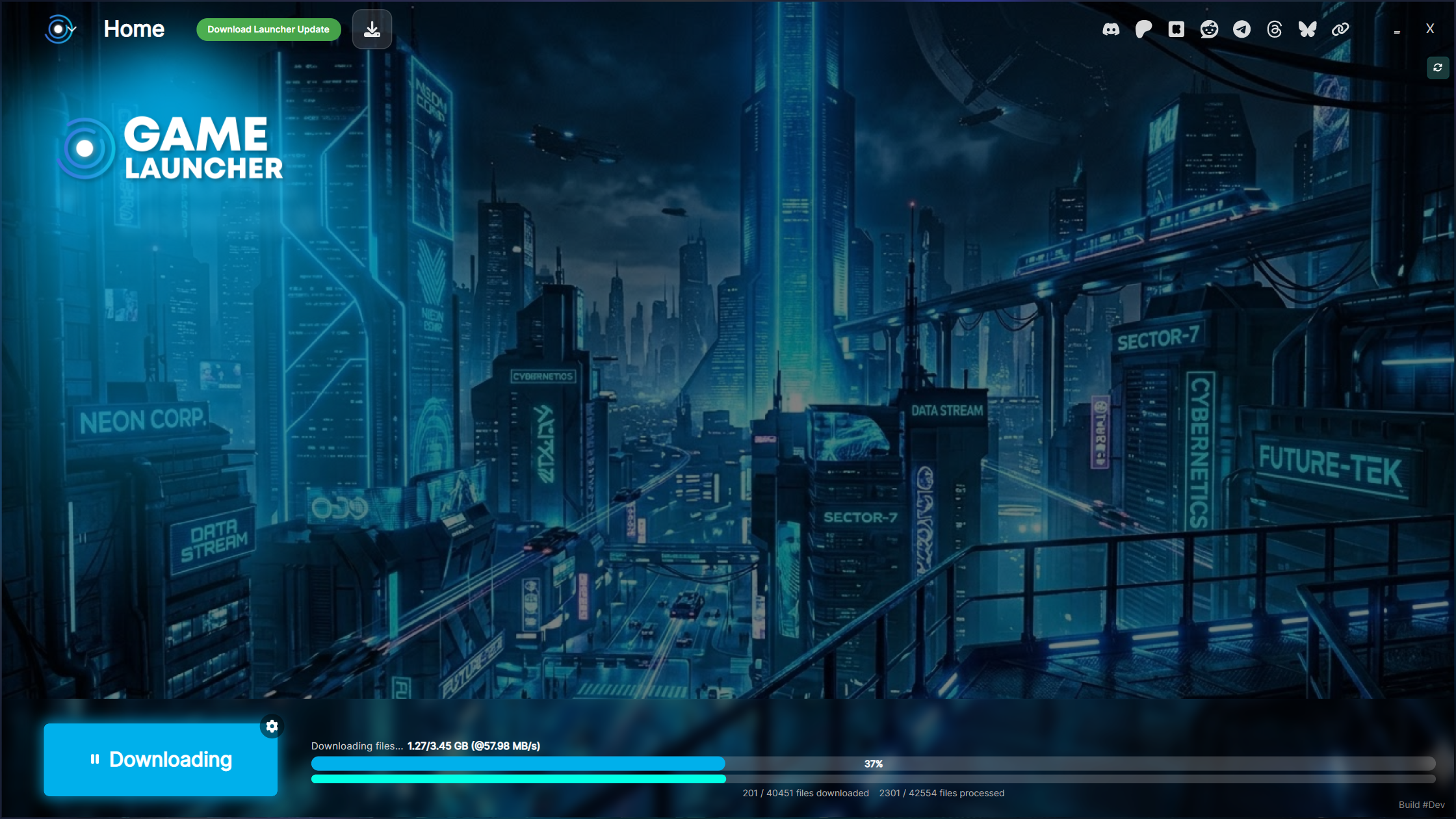
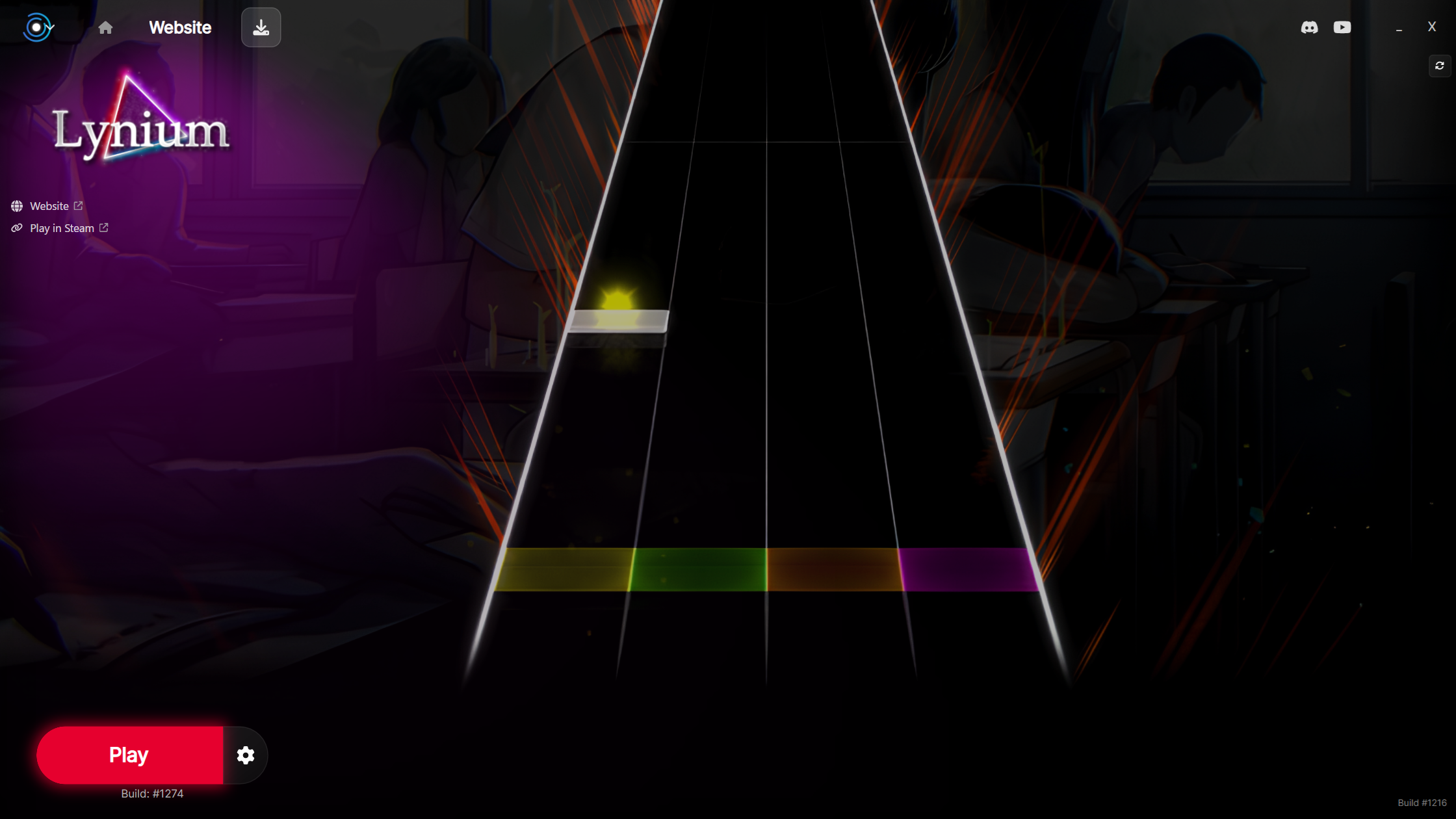
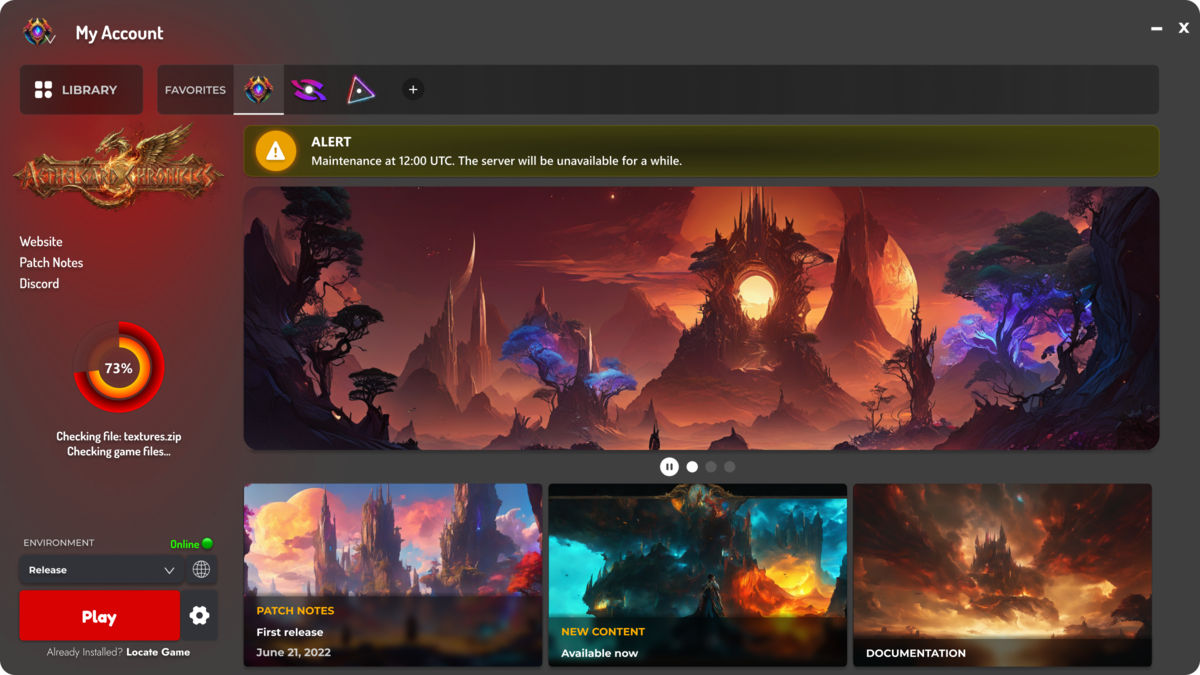
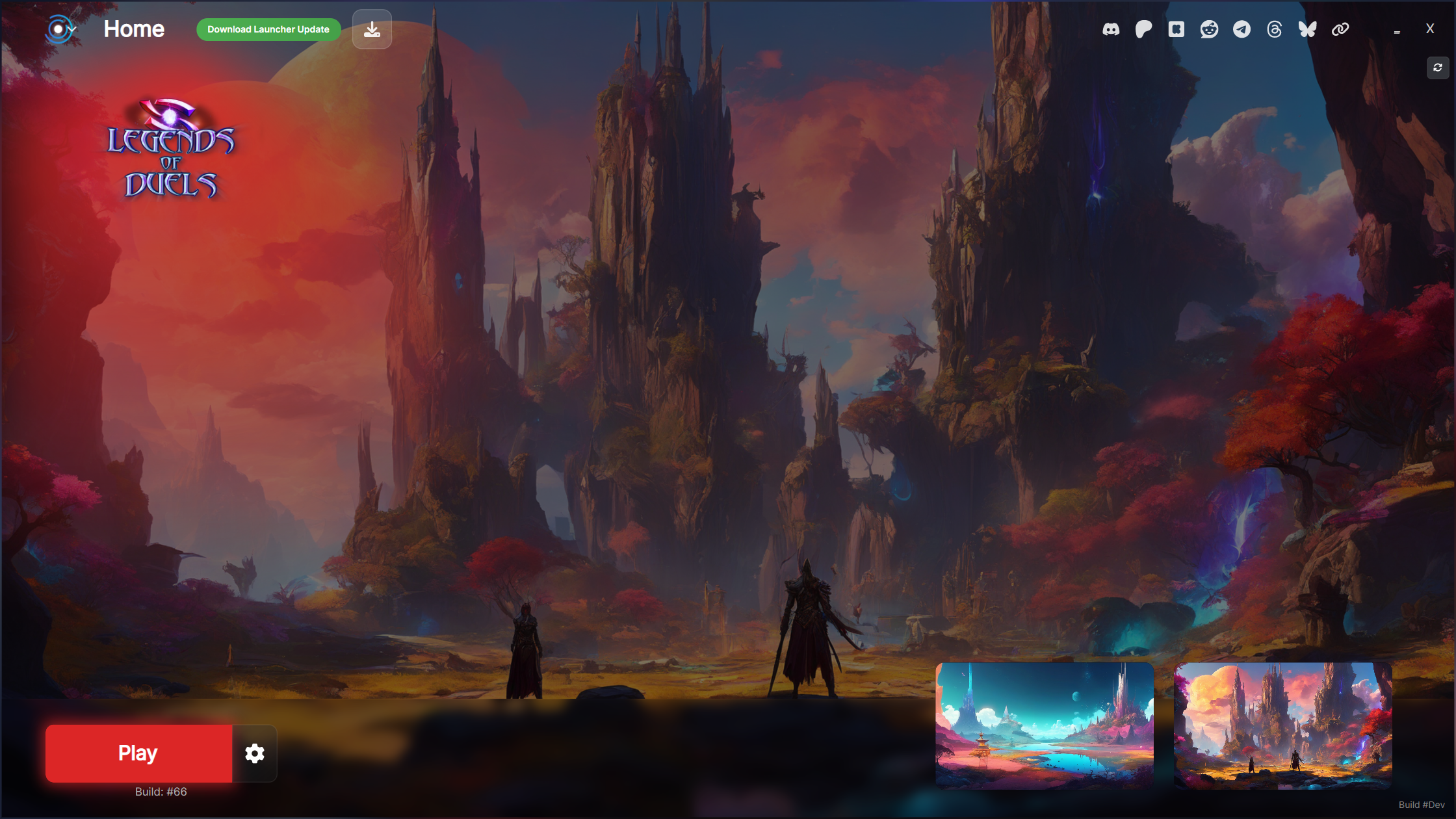
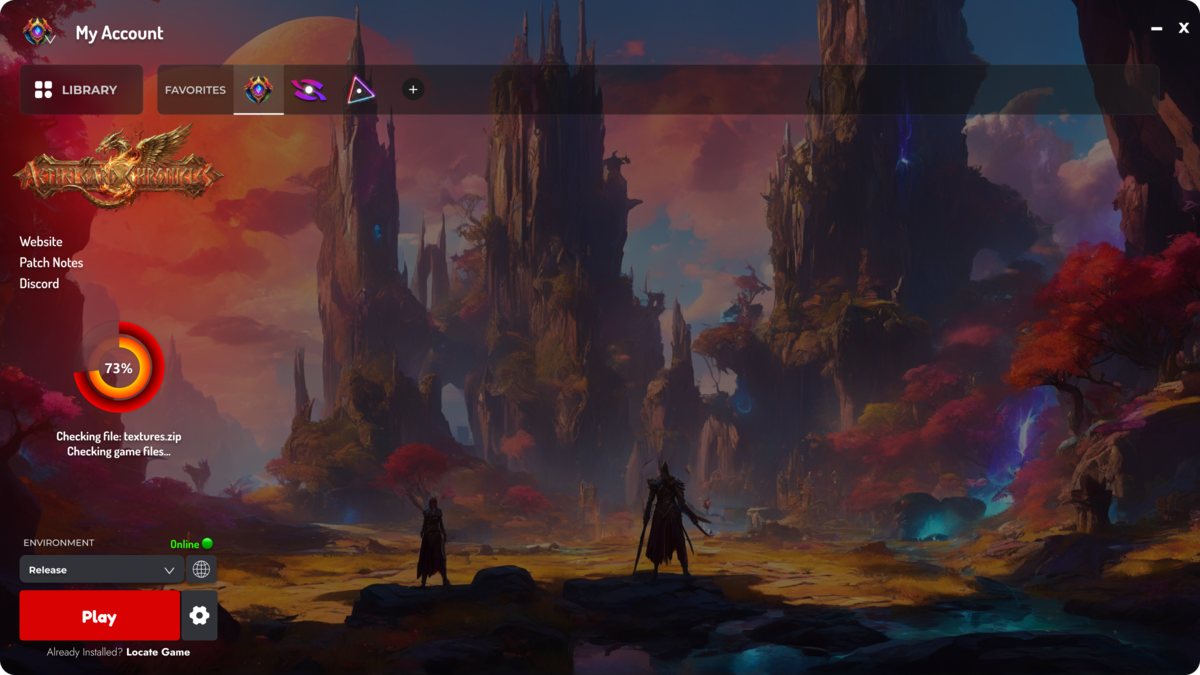
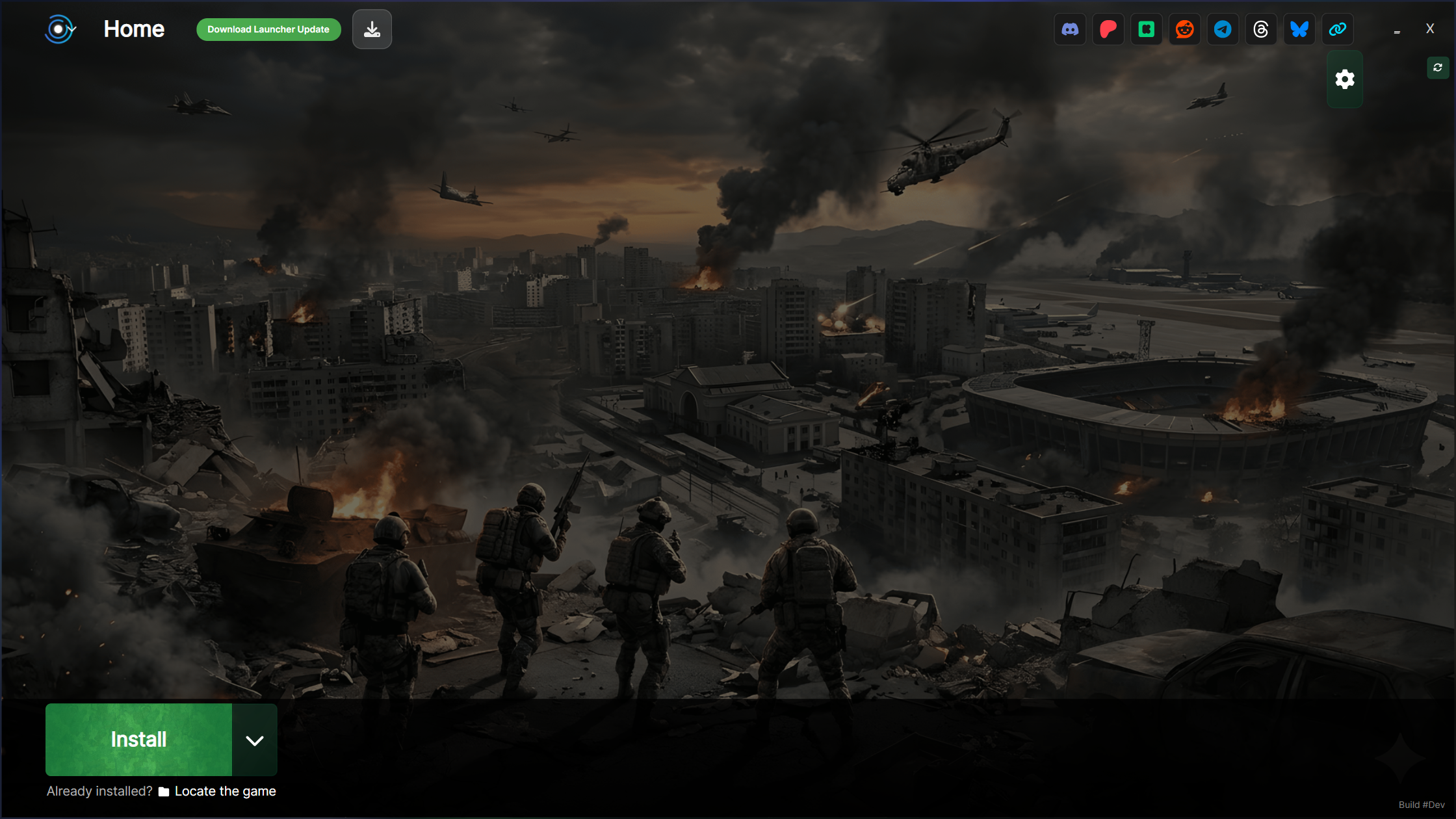
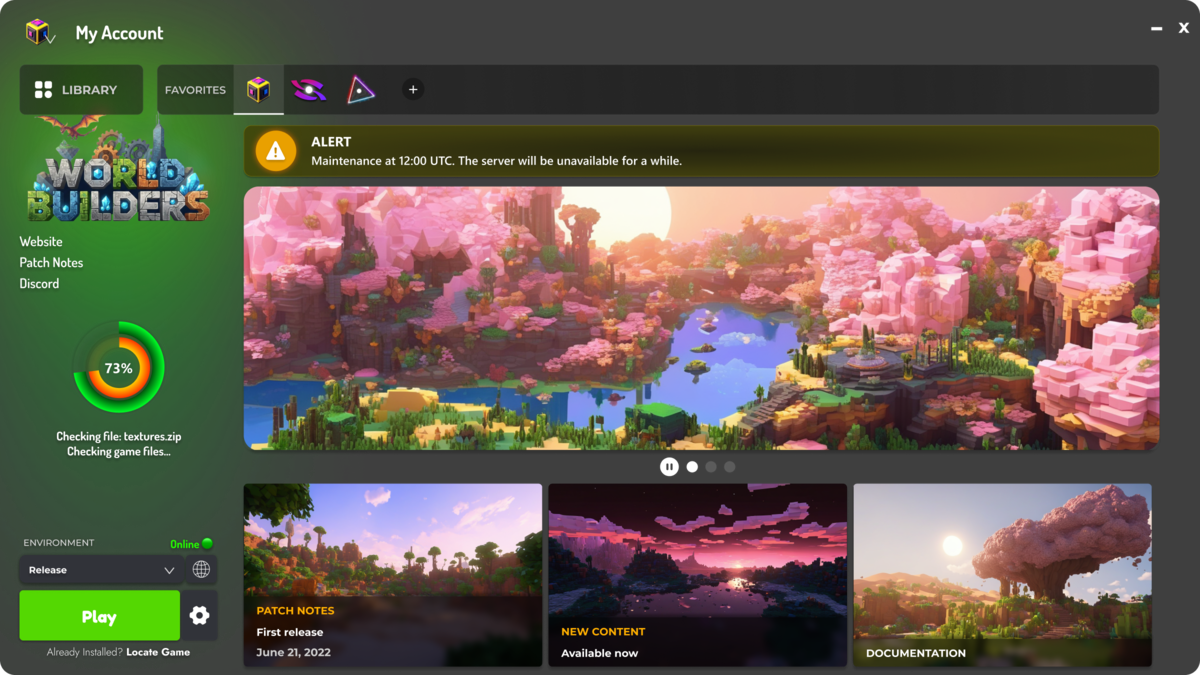
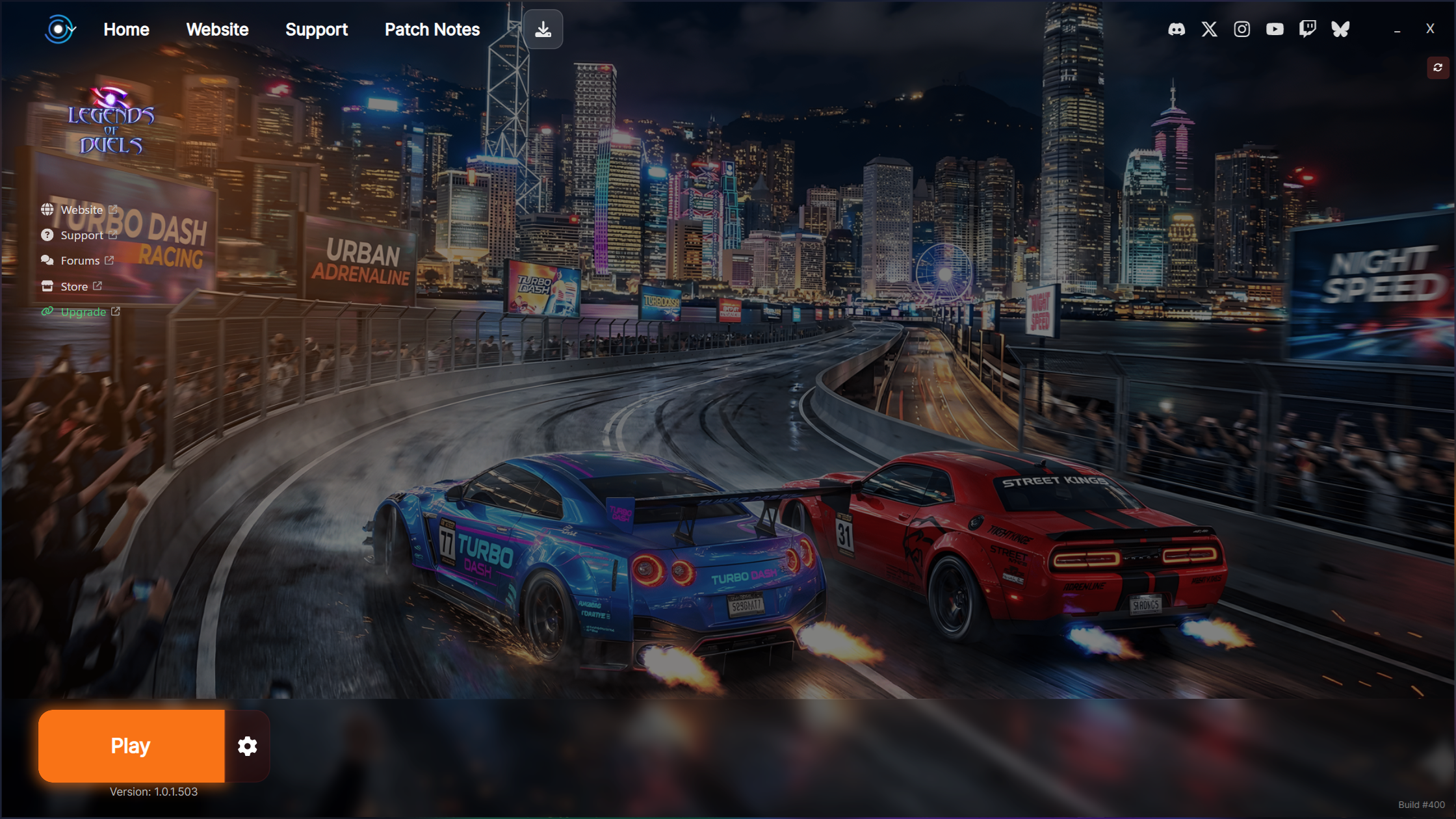
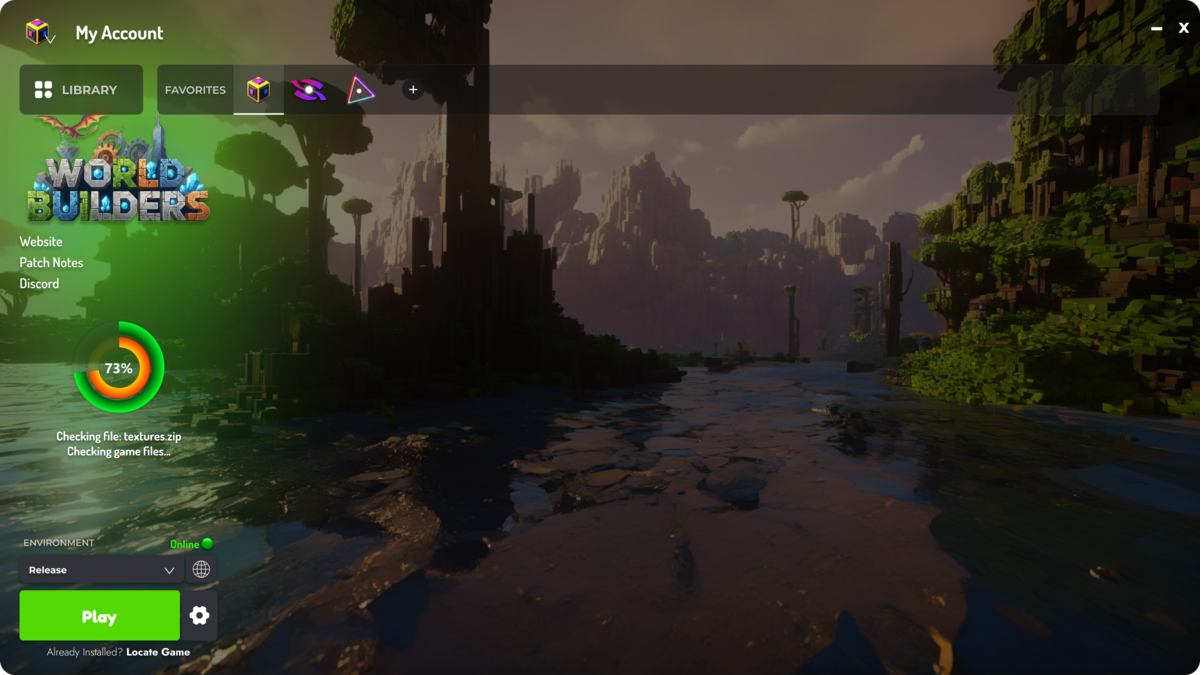
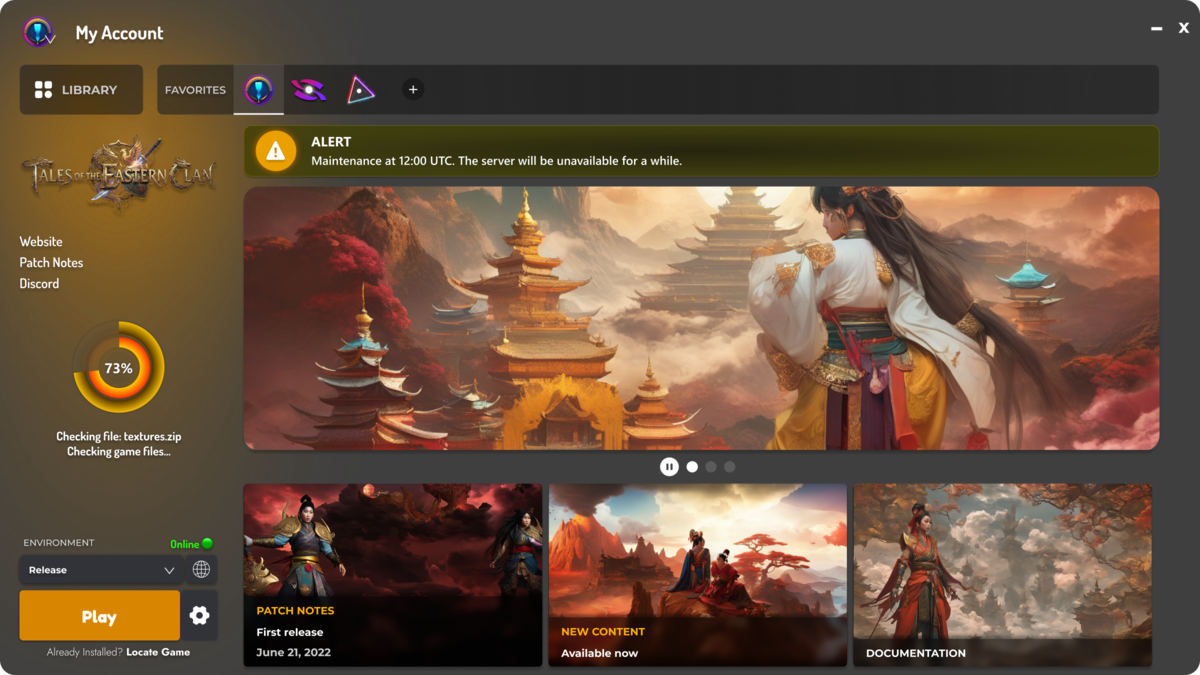
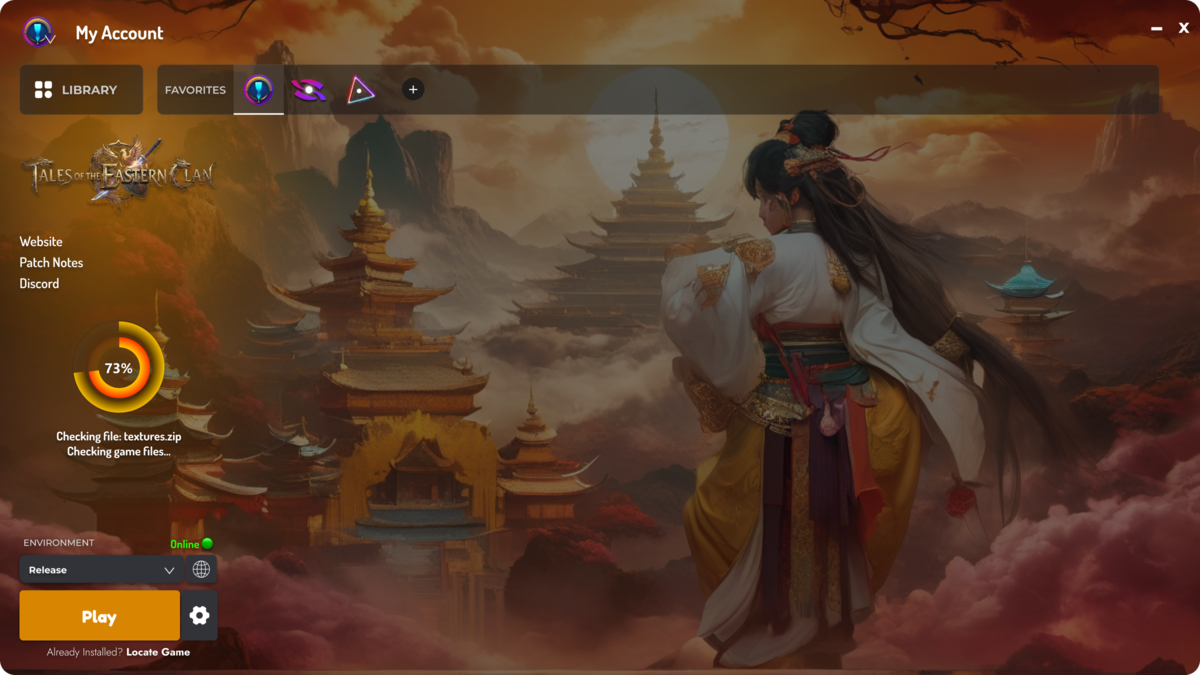
Game Launcher Cloud is a branded desktop application that lets your players download, install, and update your game automatically. Instead of relying on third-party stores like Steam or Epic Games, players interact directly with your brand.
Game Launcher Cloud handles everything — auto-patching, CDN delivery, and cross-platform compilation — so you can focus on making great games.
White-Label Branding
Coding Required
To Create a Launcher
Game Launcher Cloud Features
Everything you need to build, distribute, and manage a professional game launcher.
Fully Customizable Design
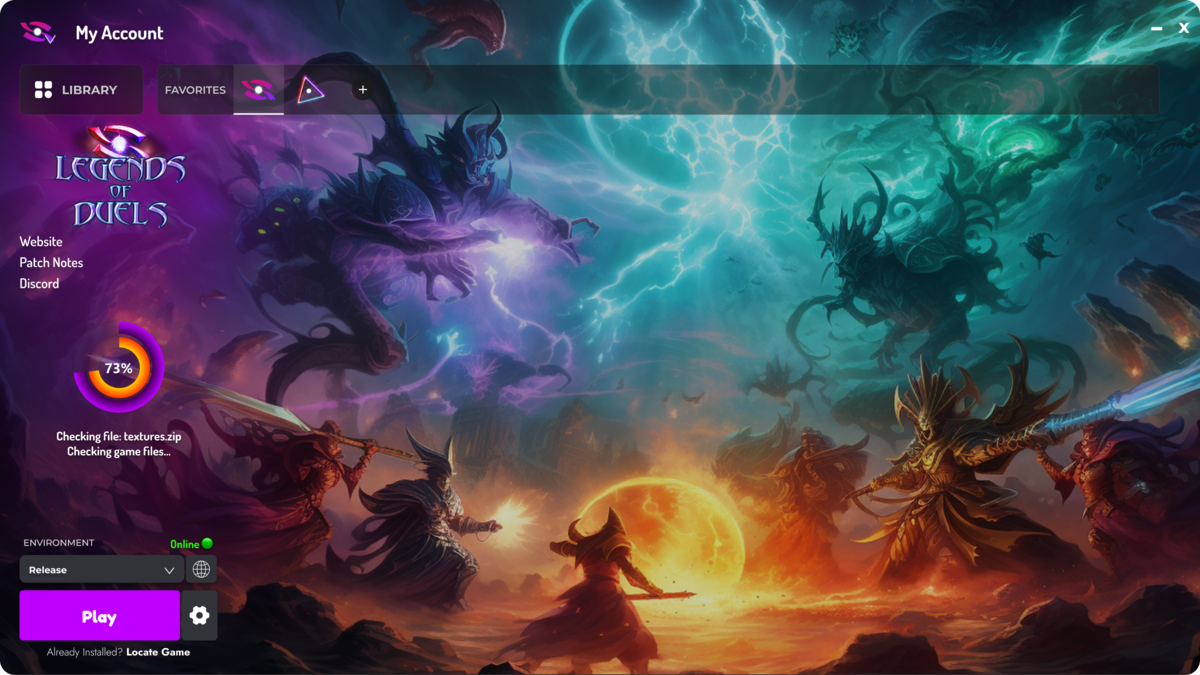
Customize every aspect of your game launcher — logo, colors, backgrounds, fonts, and layout. Your launcher, your brand identity.
Automatic Game Updates
Push patches and updates to your players instantly. Binary diff patching ensures only changed files are downloaded, saving bandwidth.
Global CDN Delivery
Game files are served from edge servers worldwide. Your players get fast downloads no matter where they are located.
Real-Time Analytics
Track downloads, active players, geographic distribution, launcher engagement, and update adoption rates in real time.
No Coding Required
Build and customize your game launcher entirely from a web dashboard. No programming skills needed — just configure, compile, and distribute.
Integrated News System
Publish announcements, patch notes, and updates directly inside your launcher. Keep your players informed and engaged.
Multi-Game Support
Manage multiple games from a single launcher. Players can browse, install, and update all your titles in one place.
Game Engine Integrations
Native extensions for Unity, Unreal Engine, and Godot. Upload builds directly from your game editor with one click.
Cross-Platform Launchers
Compile launchers for Windows, macOS, and Linux. Reach your entire player base regardless of their operating system.
How to Create a Custom Game Launcher
From zero to a fully branded launcher in four simple steps.
Create Your Project
Sign up and create a new launcher project from the dashboard. Choose a template and configure your branding.
Customize Your Launcher
Upload your logo, select colors, set background images, and configure launcher settings — all from the web.
Upload Your Game
Upload your game builds using the CLI, Unity extension, Unreal plugin, or directly through the dashboard.
Distribute to Players
Compile your custom launcher and share it with players. They download, install, and stay updated automatically.
Who Uses a Custom Game Launcher?
Indie Game Developers
Distribute your indie game directly to players without platform fees. Keep 100% of your revenue with your own branded launcher.
MMORPG Private Servers
Create a professional launcher for your MMORPG private server. Auto-patch game clients, manage server status, and engage your community.
Sandbox & Voxel Games
Distribute modpacks and game updates for voxel sandbox games with an efficient launcher and auto-patching system.
And Many More
Game studios, community projects, educational platforms, and more. Explore all the use cases for Game Launcher Cloud.
Game Launcher Cloud FAQ
Common questions about creating a custom game launcher with Game Launcher Cloud.
Ready to Build Your Custom Game Launcher?
Join hundreds of developers who trust Game Launcher Cloud to create professional game launchers — no coding, no hassle.