Auth System
Add user authentication and management to your game launcher
What is the Auth System?
The Auth System (also called Login System) is an add-on service that adds user authentication to your game launcher. Allowing players to create accounts and sign in before accessing your game. You can manage and see analytics of these accounts.
How It Works
Without Auth System
Your launcher starts directly, and players can immediately access and play your game without any account required.
With Auth System Enabled
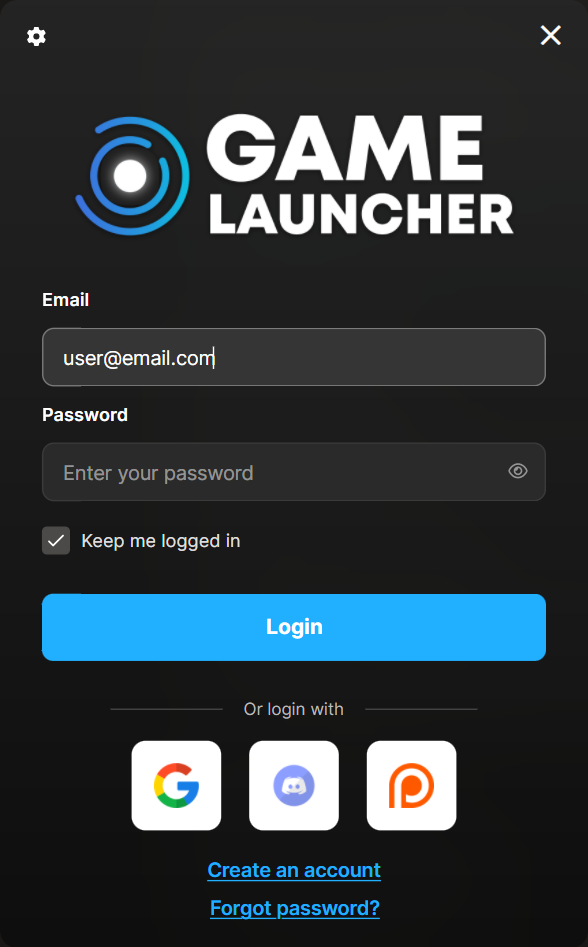
When players open your launcher, they see a login/registration window first
Players can create an account, sign in, or continue as a guest (if enabled)
After authentication, they access the launcher normally
You get access to a dedicated user database and management tools

What's Included
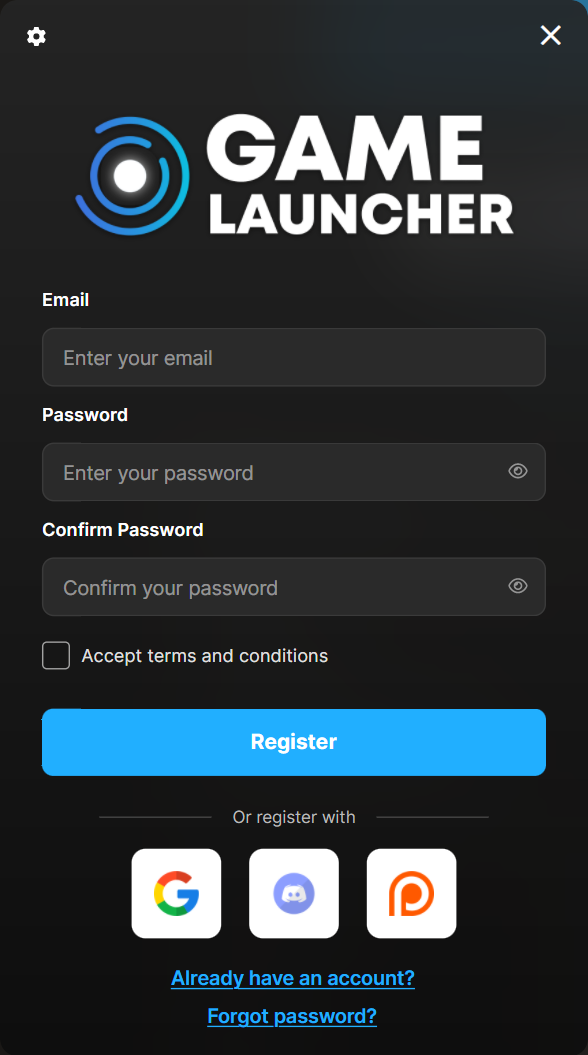
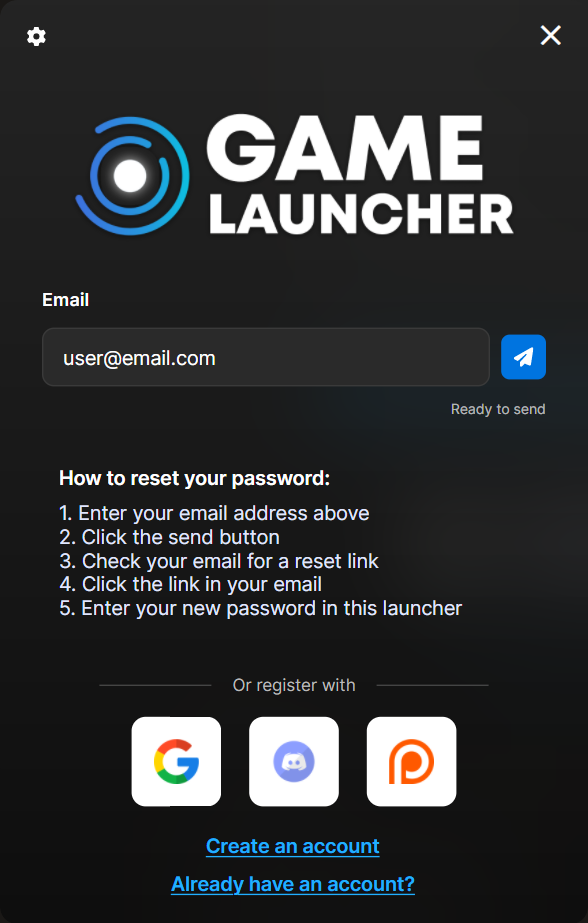
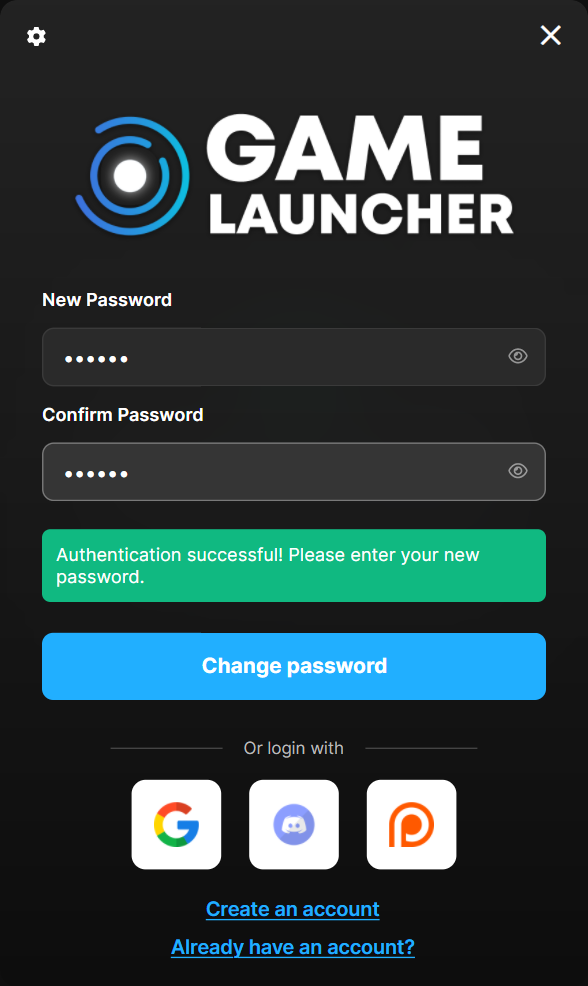
Adds the Login Screen when the Launcher starts:
Login
Register

Forgot Password

Change Password

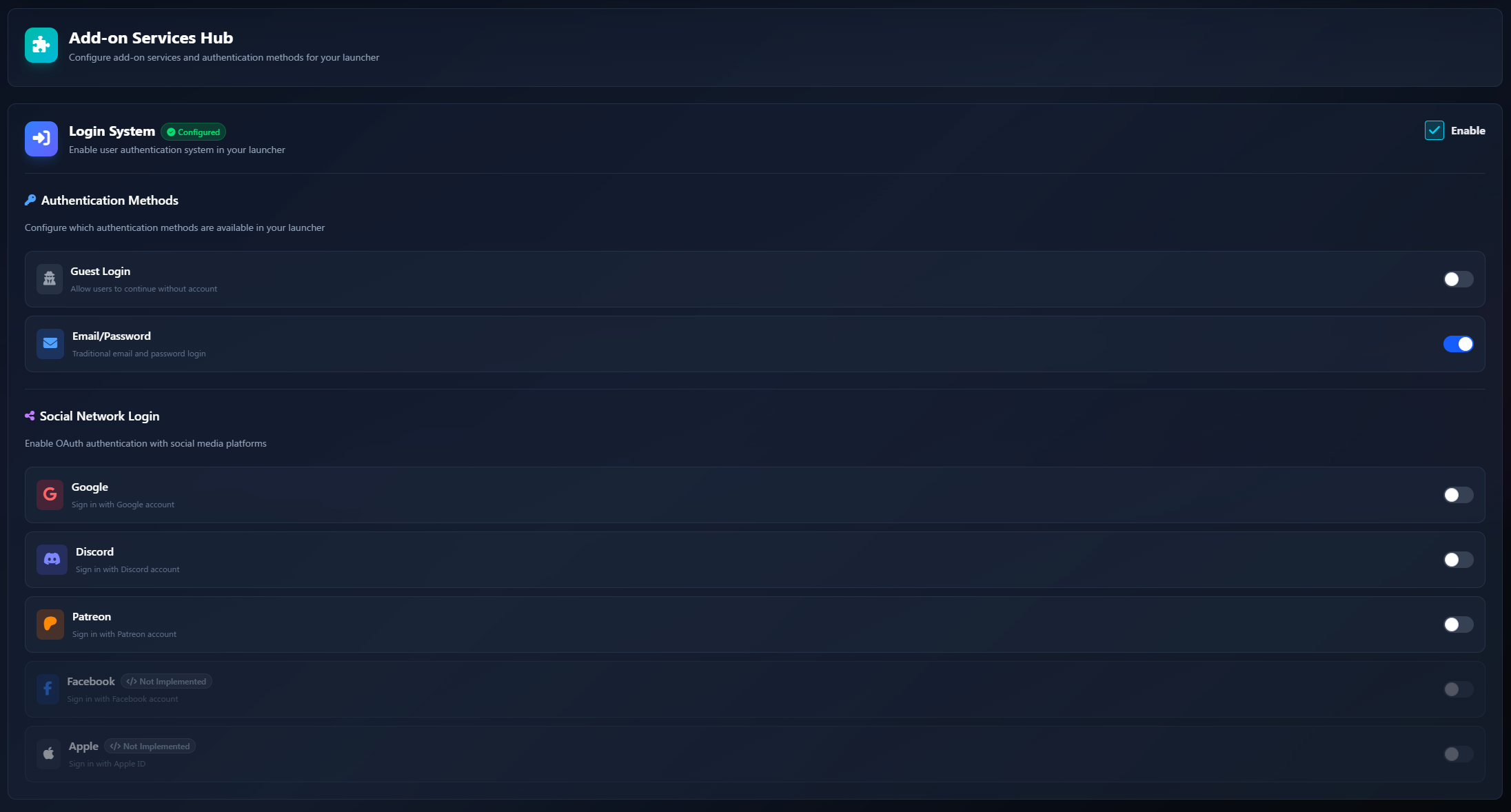
Multiple Login Methods
Offer your players flexible ways to sign in:
Email & Password
Traditional account creation with email verification
Guest Login
Let players try your game without registration (optional)
One-click sign in with Google accounts
Discord
Sign in with Discord (great for gaming communities)
Patreon
Perfect for supporter/patron verification
And more incoming...
You can enable or disable each login method individually from your launcher settings.

User Management
Manage your player community from the dashboard:
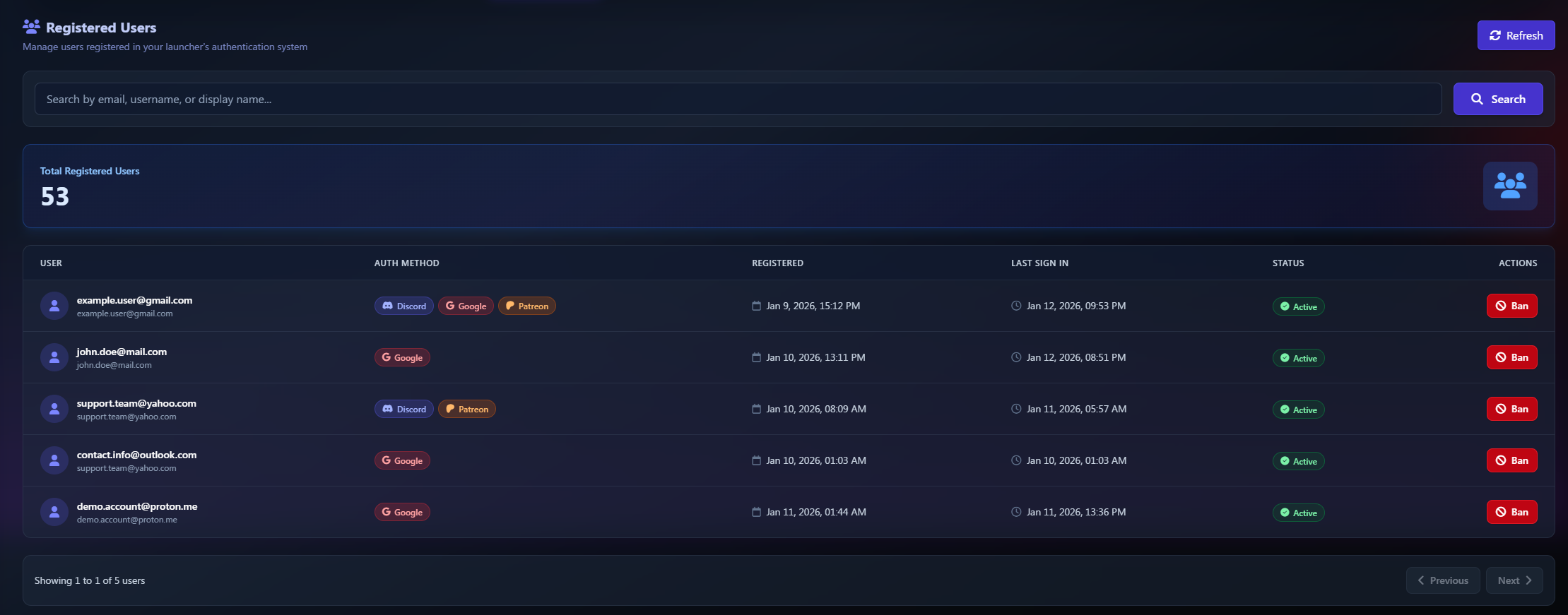
Registered Users
View and search your complete user database
Active Users
Monitor who's currently online and their session info
Ban Users
Moderate your community by banning problematic players
Email Verification
Automatic email confirmation for new registrations
Managed Access
Restrict registration/login to pre-approved email addresses

Managed Access (Enable/Disable)

Control exactly who can access your launcher:
Pre-approved Email List
Create a whitelist of email addresses
Only emails on your list can register or login
Perfect for closed alphas, beta tests, or VIP access
Manage your whitelist directly from the dashboard
When enabled, users with emails not on your whitelist will be blocked from registering or logging in.
Coming Soon
Invite Codes - Generate and manage invite codes for registration
Donor Sync - Auto-sync access with Patreon/Ko-fi donor status

Analytics & Insights
Track your user engagement:
Active players in real-time
Total registered users
Session tracking (playtime, platforms, versions)
Email delivery metrics (sent, open rates, bounces)


Email Analytics

Automatic emails are sent for:
Email address verification
Password reset/recovery
Email Limits
Each launcher includes email sending capacity:
Per Hour
tier-based
Per Day
tier-based
Custom Email Branding (soon)
Make emails match your brand:
Use your own SMTP server
Configure a custom email domain
Add your logo and colors
Customize the sender name and address
🚧 In Development
Pricing
The Auth System addon can be added to any Game Launcher Cloud plan. &#xNAN;You can enable or disable it at any time from your subscription settings.
How to Enable
Go to Subscription in your dashboard
Enable the Auth System addon
Configure your preferred login methods in Launcher Settings
Build and deploy your launcher
That's it! Your next launcher build will include the login window.
Passing User Identity to Your Game
Want your game to know who is playing? Use App Launch Tokens to securely pass the authenticated user's identity to your game at launch time.
Need Help?
If you have questions about the Login System or need custom email limits, contact our support team.
Last updated
Was this helpful?